Your Quick Start Guide to the fundamentals: Digital Building Safety
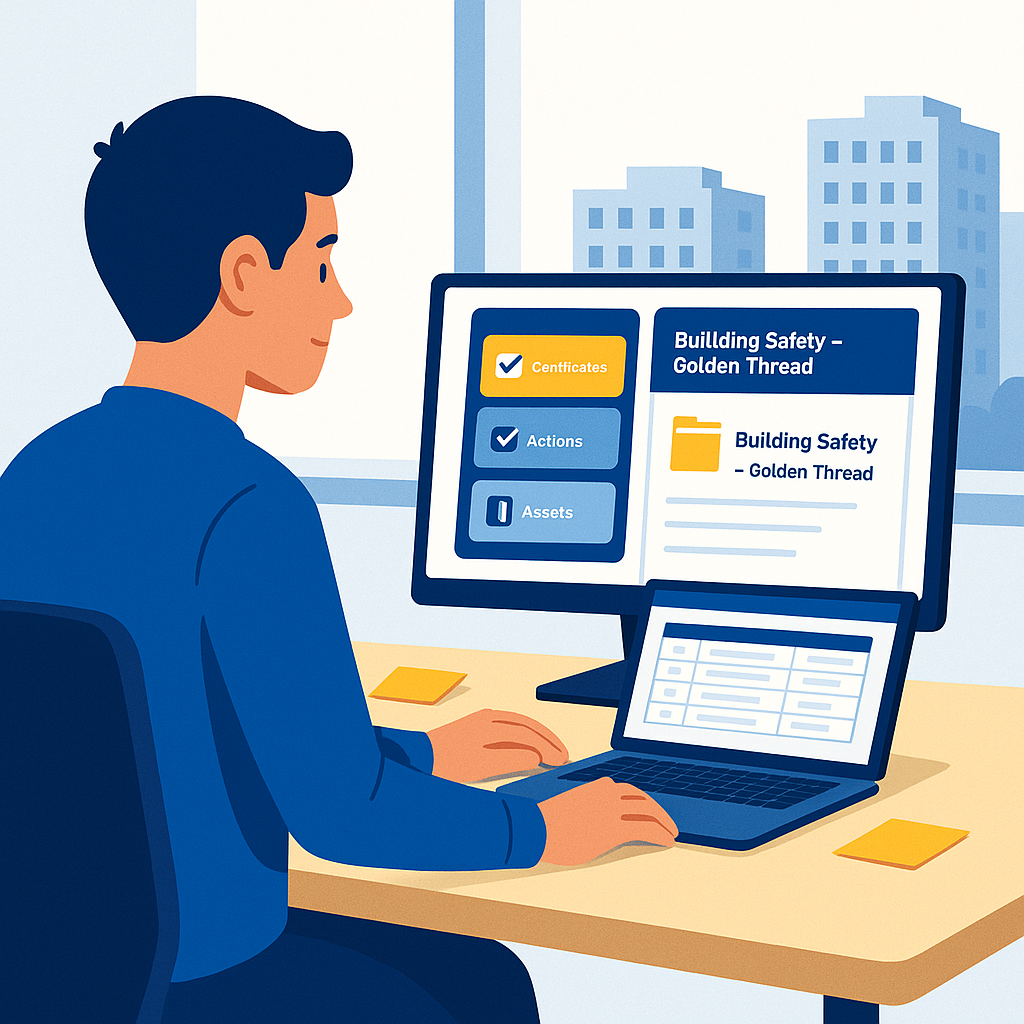
Are you aged 17–24 or starting a career switch? This guide is for you. It explains how to choose and succeed in a junior role focusing on data. Digital Safety skills are essential for the future of building management. Consequently, you will learn how digital information keeps UK buildings safe. Furthermore, you will understand the Golden Thread in day to day work. Finally, you will see how BIM and COBie fit into this picture. You will also complete three small projects. Specifically, these projects turn theory into a portfolio you can show at interviews.
Section 1: Why Digital Safety is the Right Start
Who This Guide Is For
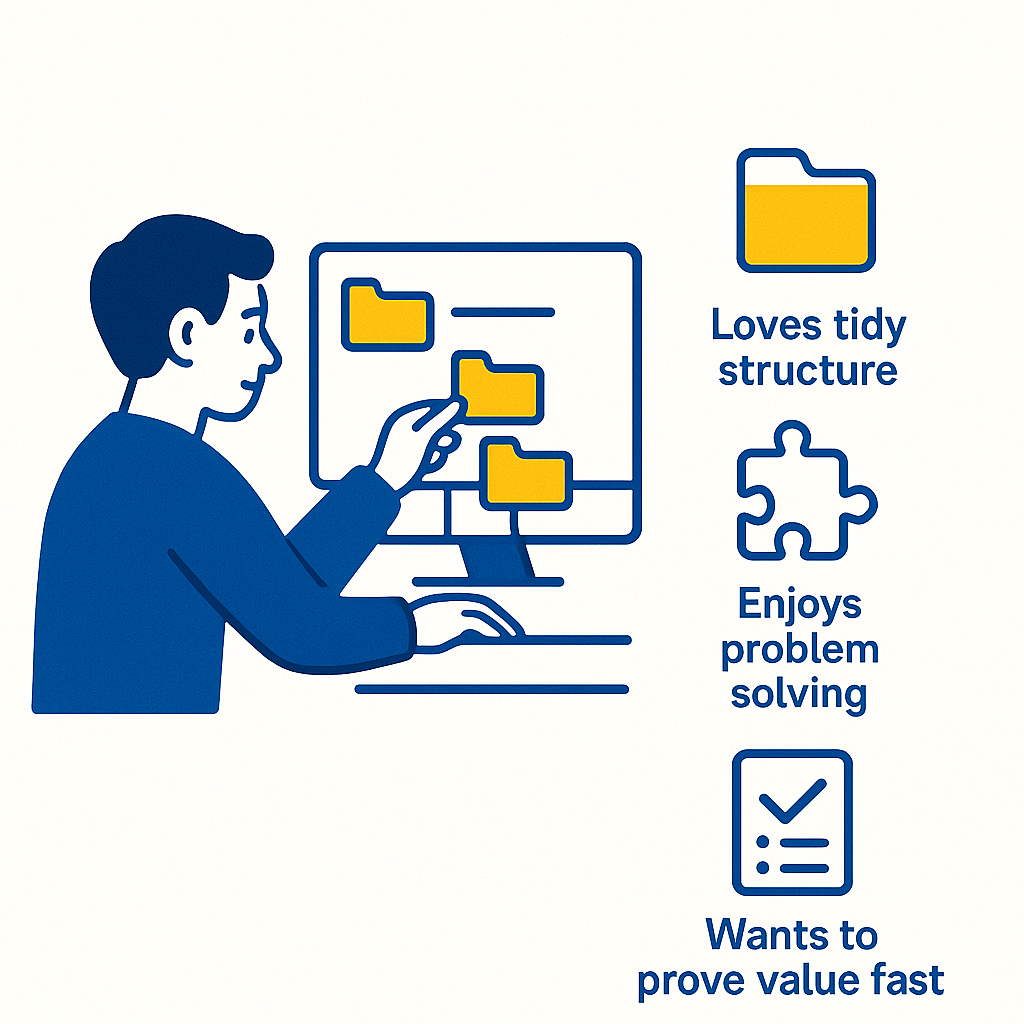
You enjoy data, structure, and problem solving. Are digitally inclined and either on a T Level, apprenticeship, or an early junior role. You like tidy folders and clear naming. Thus, you want to prove value fast. In other words, you do this by making evidence easy to find, trust, and act on.
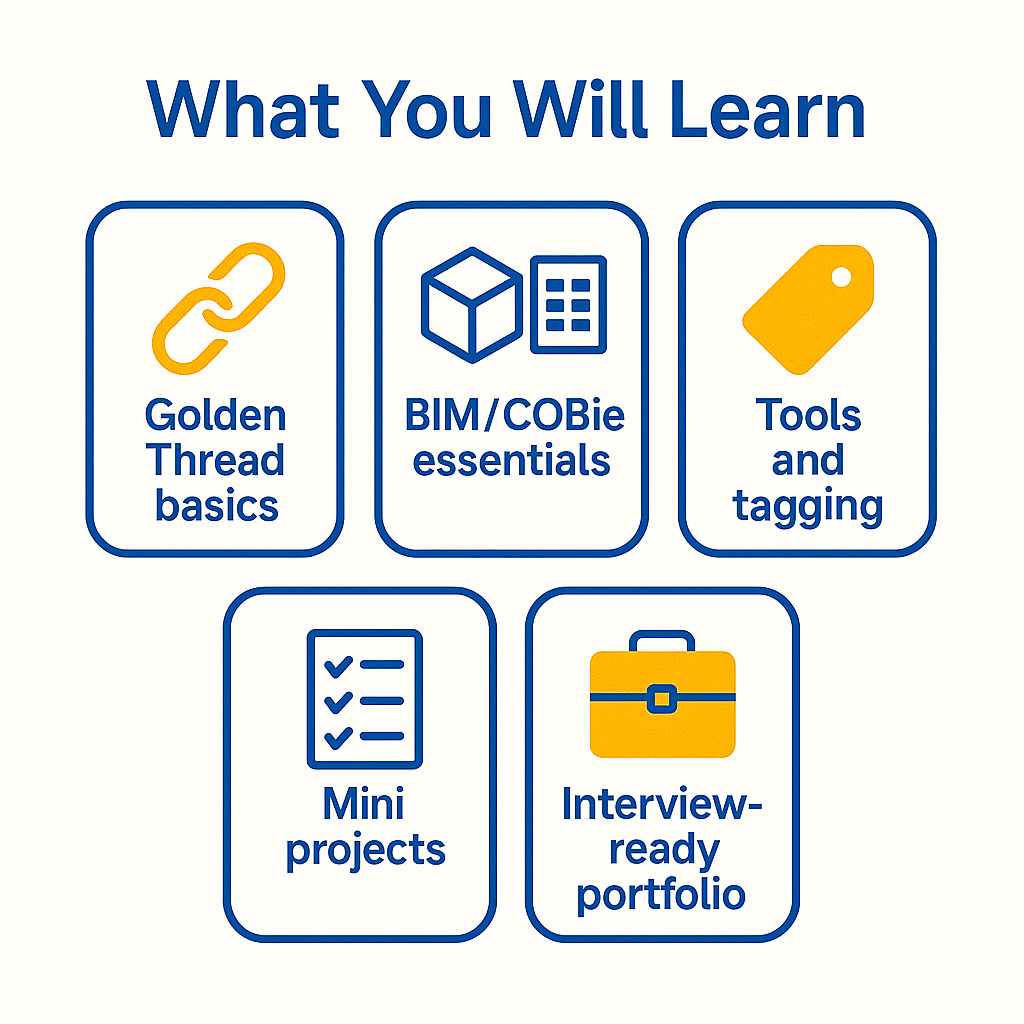
- Golden Thread Basics: Version control, naming, and metadata you can use on day one.
- BIM/COBie Essentials: What they are, why they matter, and what you do with them.
- Tools And Tagging: When to use spreadsheets versus document platforms, and how to tag certificates.
- Mini Projects: Cleanse a certificate list, build a risk aware action tracker, and write a data quality report.
- Portfolio: Assemble a compact, interview ready set of work that shows clear results.
Quick Glossary
- Golden Thread: The reliable, up to date set of safety information for the life of a building.
- Version Control: A consistent way to track file changes without losing the history.
- Metadata: The labels that make files searchable (building, location, asset ID, system, dates).
- BIM: Building Information Modelling, a shared digital view of a building and its assets.
- COBie: A data list (often in Excel) listing spaces, systems, and components for handover.
Section 2: Golden Thread Fundamentals
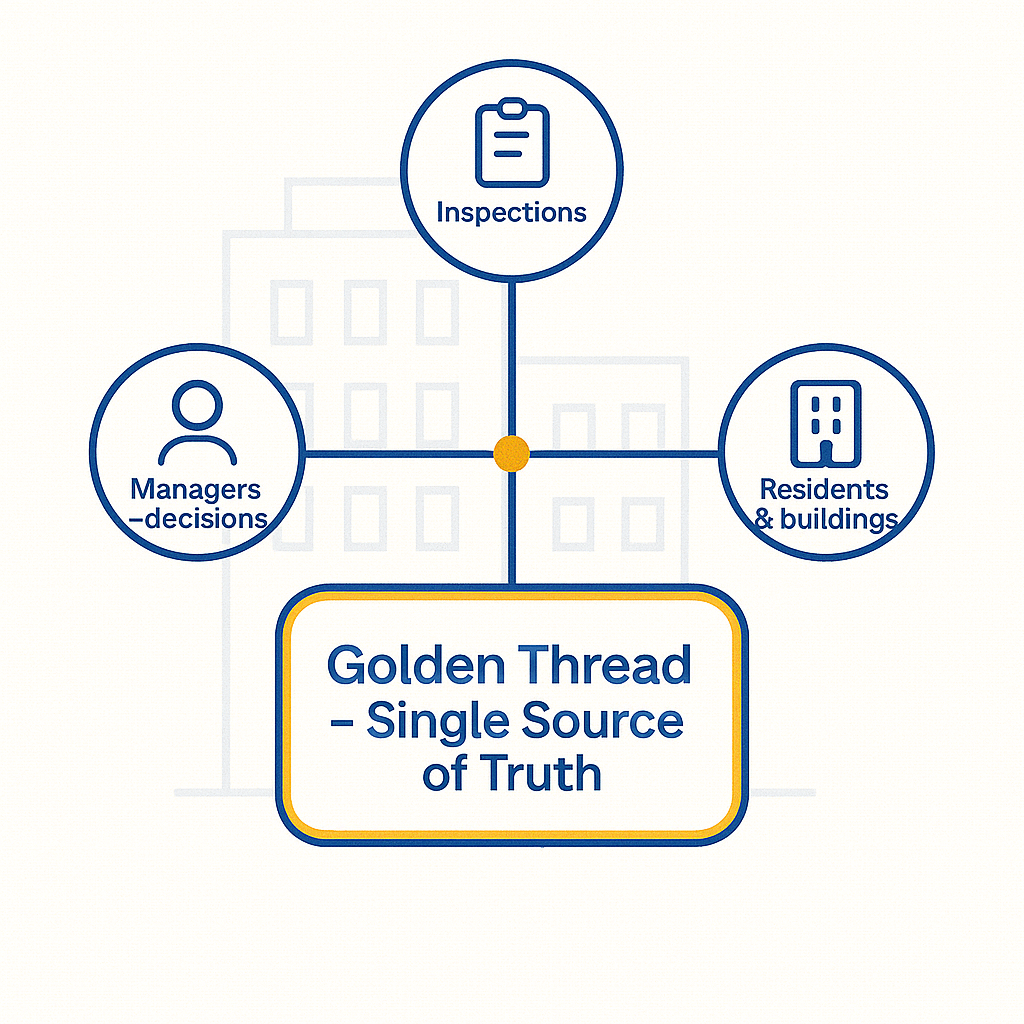
Good digital safety information reduces risk and delay. Clear evidence helps managers make safe decisions. Moreover, it proves compliance. The biggest cost on many projects is time lost hunting for facts. Therefore, if you keep the record straight, you improve safety. Furthermore, you save money and build trust.
Think of the Golden Thread as the single source of truth for safety. It covers what the building is and what has changed. Additionally, it tracks what has been inspected and what needs attention next. Therefore, your job is to make information easy to find, check, and trust.
- Put Files In The Right Home: Avoid personal storage and ad hoc desktop folders.
- Name Consistently: Use a predictable pattern that encodes date, building, location, type, and version.
- Add Mandatory Metadata: Capture the fields that make retrieval and reporting simple.
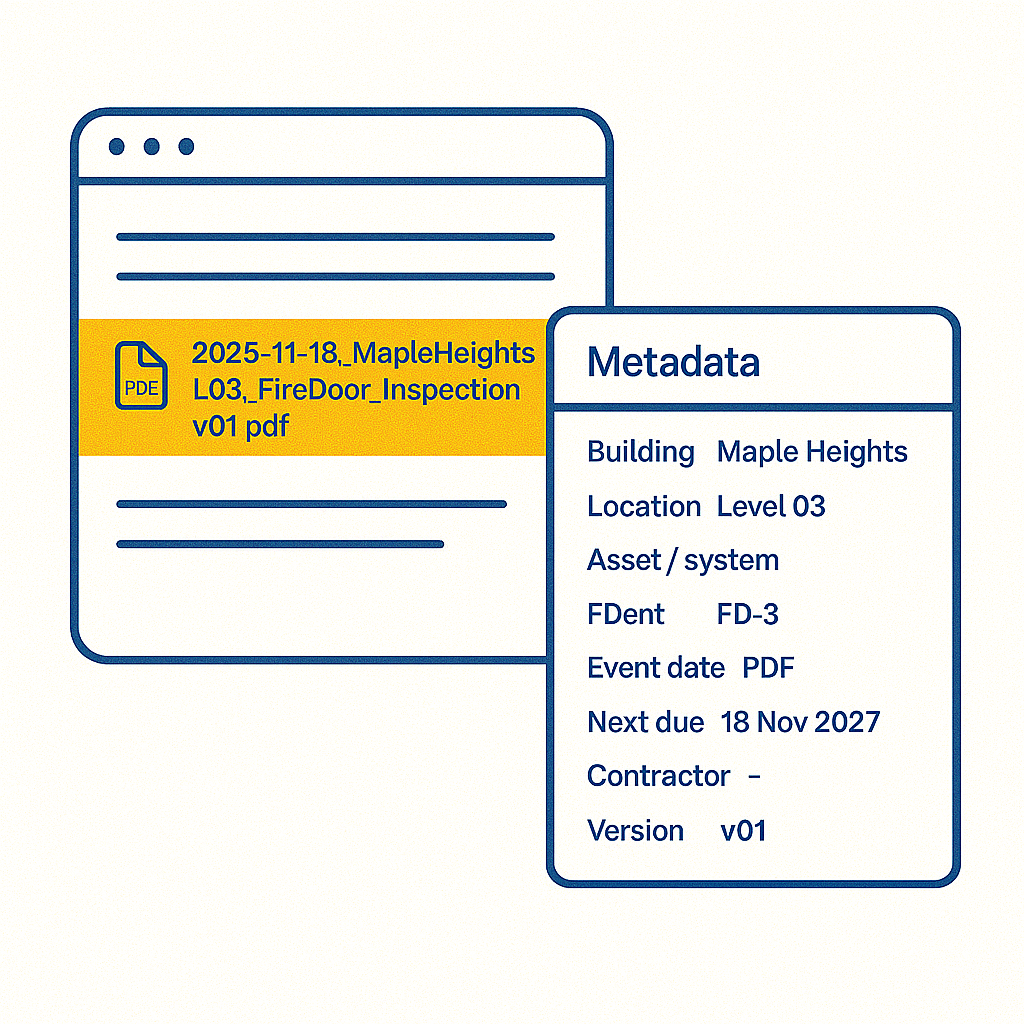
Example file name: 2025-11-18_MapleHeights_L03_FireDoor_Inspection_v01.pdf
Example photo name: (with log caption): 2025-11-18_MapleHeights_L03_FD-3_HingeScrews_Missing_01.jpg — “FD-3: top hinge missing two screws; door not self-closing”
Version Control for Digital Safety Records
You do not need complex software. Instead, you need clear rules and discipline.
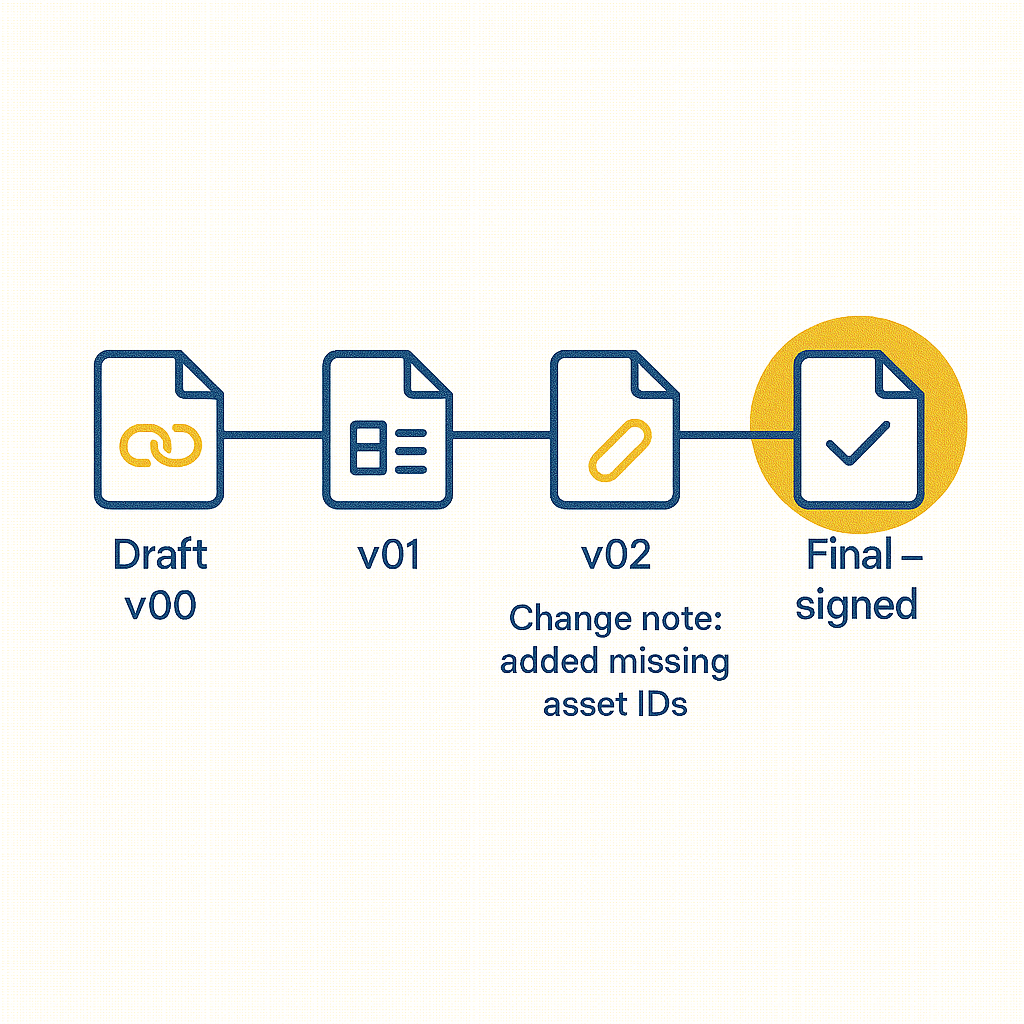
- Draft The Versions: Start with v00 or draft. Then, use v01, v02 as changes are made.
- Final On Sign Off: Apply “final” only when the proper authority signs off.
- Keep Change Notes: Record what changed, who changed it, and when for quick checks.
- Preserve History: Never overwrite a signed record. Instead, add a corrected version and explain the change.
Sample change note: “v02: added missing asset IDs for L03 core; corrected dates for four door sets”
Naming And Meta data Standards
A strong name is half the job. However, good metadata completes it. If your team lacks a standard, draft a short note with examples. Then, get a manager to approve it. After that, train colleagues in ten minutes.
Minimum metadata set: Building | Location (floor/core/room) | Asset or system | Document type | Event date | Expiry/next due | Contractor/assessor | Version/author
- Use A Shared Vocabulary: Pick terms (e.g., “FD” for fire door) and stick to them.
- Keep Date Formats Fixed: ISO (YYYY-MM-DD) reduces confusion and sorts correctly.
- Record Asset IDs: Align with the model or master list so searches work across systems.
Section 3: BIM And COBie Essentials for Digital Safety
You do not need to build models. Rather, you need to connect data to reality.
- BIM In Practice: Assets in the model should match real site assets. Consequently, they need usable IDs you can reference in certificates and photos.
- COBie In Practice: Handover spreadsheets list spaces, systems, and components. Thus, they start your master list of doors, dampers, alarms, and more.
- Reconciliation: When a model and site reality differ, record the variance with photos. Then, note it in the tracker. Finally, trigger an update.
Common file types you will see include PDFs (reports), XLSX/CSV (trackers/COBie), DWG/RVT/IFC (drawings/models), and JPG/PNG (photos). Store source and exported versions. Hence, if you convert, record why and link them.
Tools: Picking The Right One for Digital Safety Work
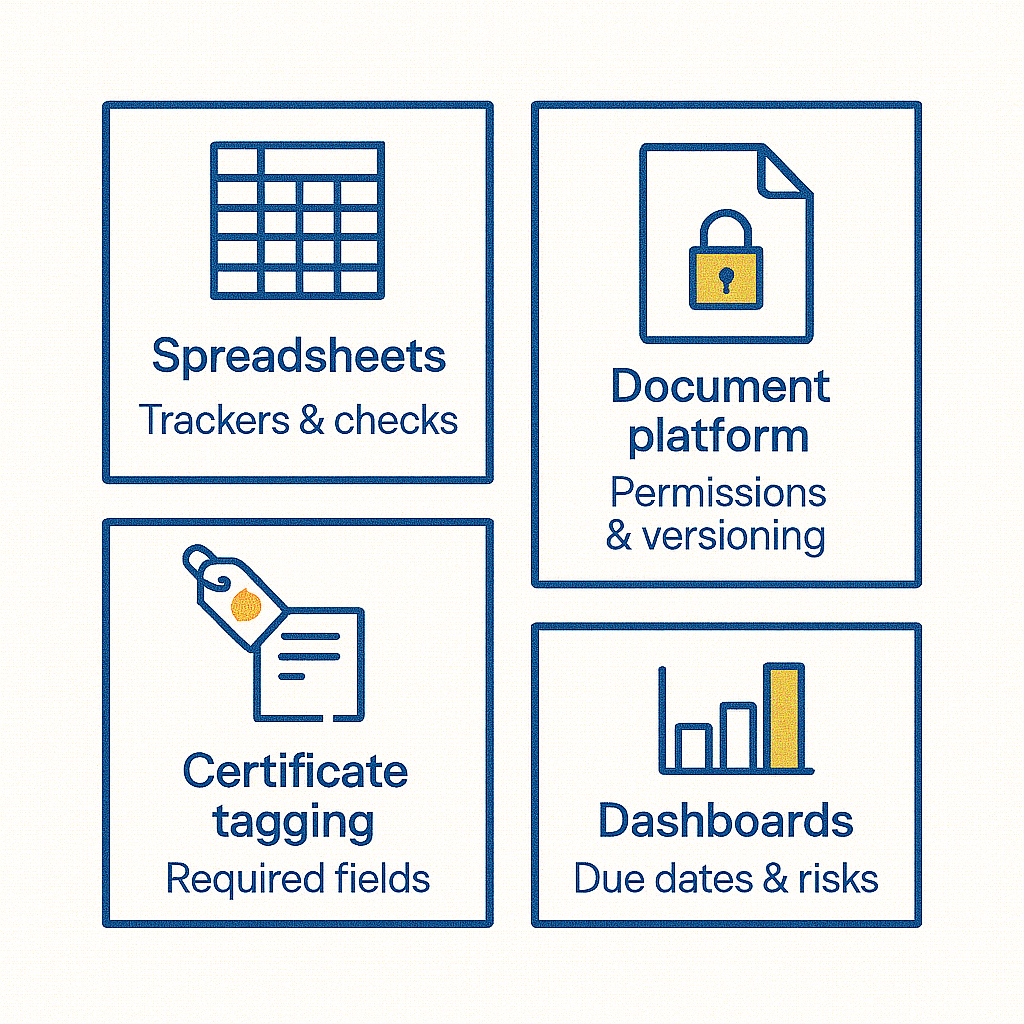
- Spreadsheets: Best for small trackers, data checks, and quick charts.
- Documentation Platforms: Ideal for permissions, versioning, search, and mandatory metadata fields.
- Certificate Tagging: Make asset ID, building, system, event/expiry dates required fields.
- Dashboards: Start with three visuals certificates due in 30 days, actions by risk band, and assets missing IDs.
Practical spreadsheet tips: Freeze headers, use data validation lists, protect key columns, and keep a single source tab. Then, generate views with filters.
Section 4: Mini Projects That Prove Digital Safety Skills
Project A: Certificate Cleanse (One Building, One System)
Aim: Make certificates easy to find and trust. Ensure they have complete metadata and working links.
Steps:
- Export A List: Capture all current certificates for a defined scope (e.g., emergency lighting).
- Add Columns: Include Asset ID, location, contractor, event date, expiry, file name, platform link.
- Rename Consistently: Apply the naming standard to every file. Also, fix typos and date formats.
- Fill Metadata: Complete missing fields. Then, highlight any unknowns for supervisor review.
- Flag Gaps/Expired Items: Separate sheet or filter for risks that need action.
- Summarise Changes: One page showing what you fixed, what remains, and suggested next steps.
Deliverables: A cleansed list with working links and a short summary note.
Project B: Action Tracker (From One Inspection)
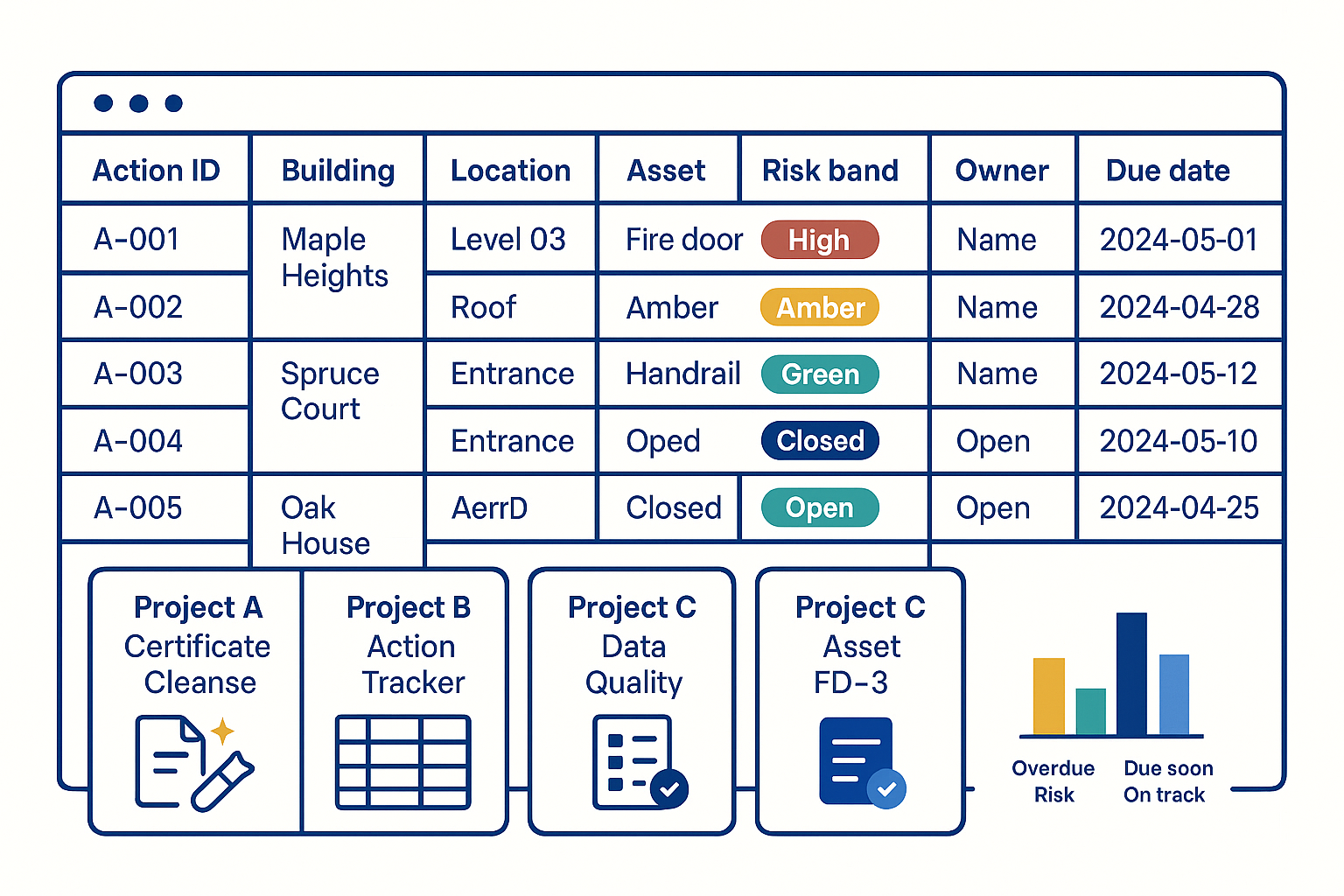
Aim: Turn findings into a clear, risk based plan with owners and dates.
Steps:
- Create A Tracker: Use columns for Action ID, building, location, asset, description, risk band, owner, due date, status, evidence link, and note.
- Standardise Values: Use validation lists for risk band and status. Consequently, this avoids free text errors.
- Link Evidence: Each action connects to a photo or certificate in the DMS.
- Sort And Review: Prioritise by risk and due date. Then, agree owners and deadlines with a supervisor.
- Cadence: Set a weekly review. Finally, record decisions in the notes column.
Deliverables: A live tracker and a small chart showing overdue items and risk mix.
Project C: One Page Data Quality Report
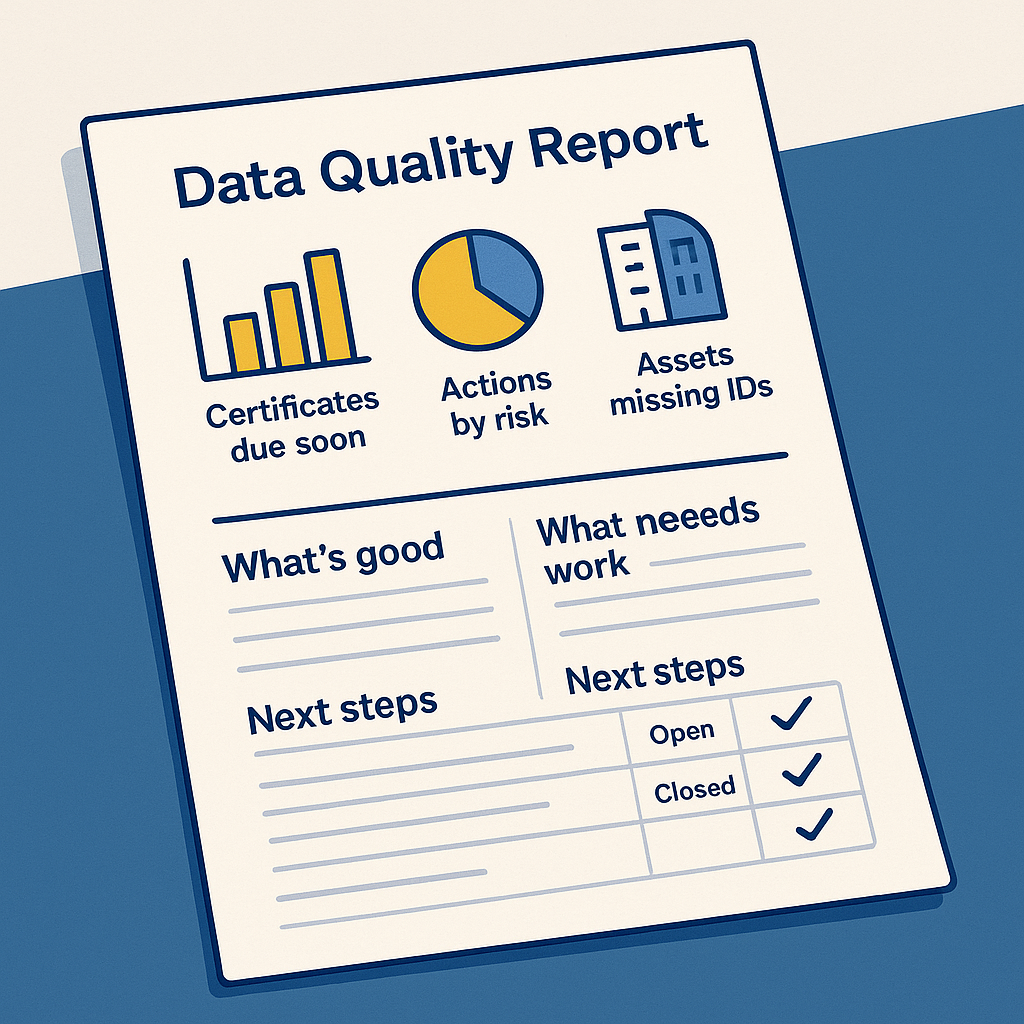
Aim: Communicate the state of play in two minutes so decisions happen.
Steps:
- Build Three Charts: Certificates due soon; actions by risk; assets missing IDs.
- Write Three Short Paragraphs: What is good; what needs work; next steps.
- Add A Small Action Table: Three actions, named owners, target dates.
- Export To PDF: Name it using the standard. Then, store it alongside the tracker.
Deliverable: A single page managers can act on immediately.
Section 5: Progression and your Portfolio
Portfolio: Compact And Interview Ready
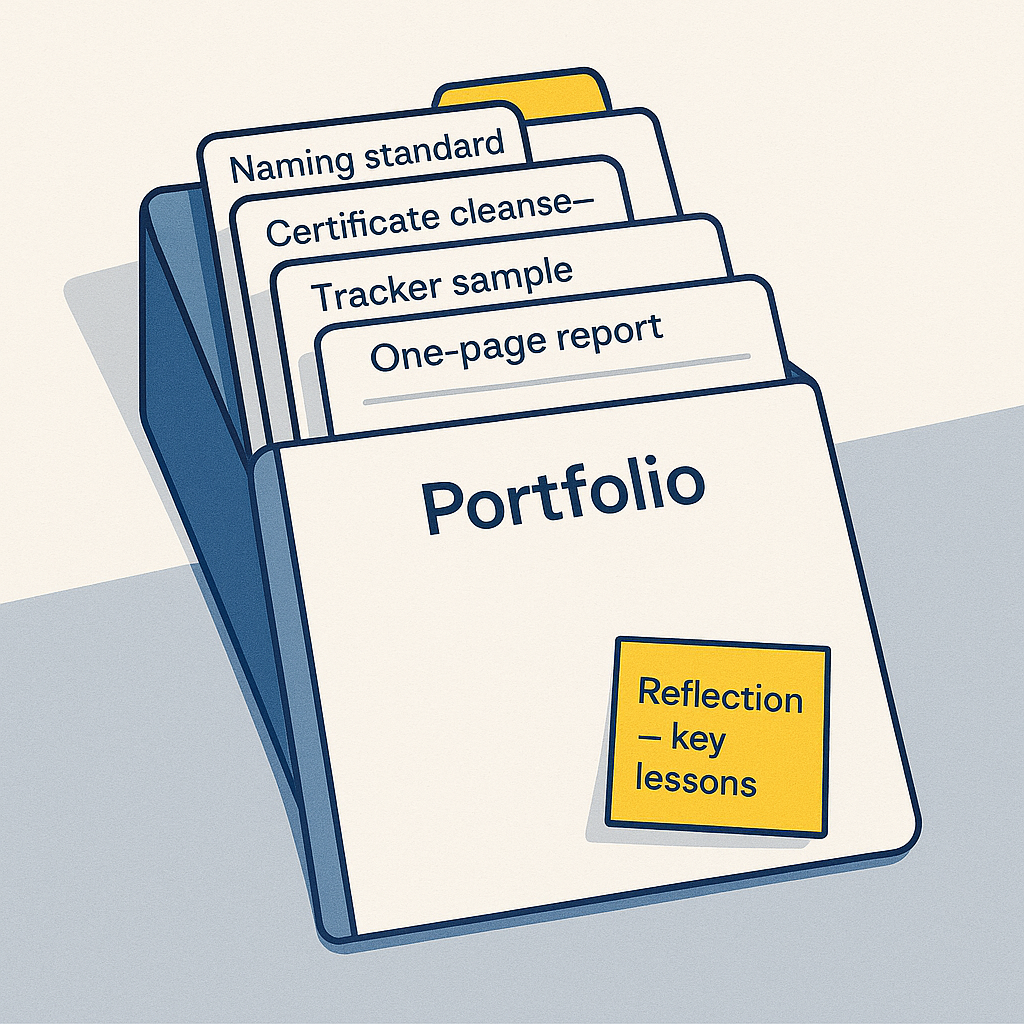
Keep it under ten pages. Alternatively, present it as a tidy folder with a read me file. Anonymise building and resident details.
Include:
- Your Naming Standard: One page with examples that cover certificates and photos.
- Before/After Evidence: Screenshots of the certificate cleanse and a brief note on the fix.
- Tracker Sample: A redacted slice of the action tracker showing risk bands and links.
- One Page Report: The PDF with charts, narrative, and actions.
- Photo Sets: Two captioned examples that link directly to actions in the tracker.
- Reflection: One paragraph on what you learned and what you would improve next time.
In interview, open the tracker. Then, click an evidence link. Finally, display the matching photo or certificate. Traceability proves itself.
Quality Checks Before You Share
- Names Match The Standard: Dates must use a single format and sort correctly.
- Links Work: Each link must open and point to the latest approved version.
- IDs Reconcile: Asset IDs should match the model or master list without duplicates.
- Charts Match Numbers: Totals and categories must align with the underlying data.
- Next Steps Are Clear: Owners and dates should be visible, not implied.
If you spot repeated errors, add a line to the standard. Then, brief the team. However, you must do this only after seeking manager approval.
Collaboration Etiquette
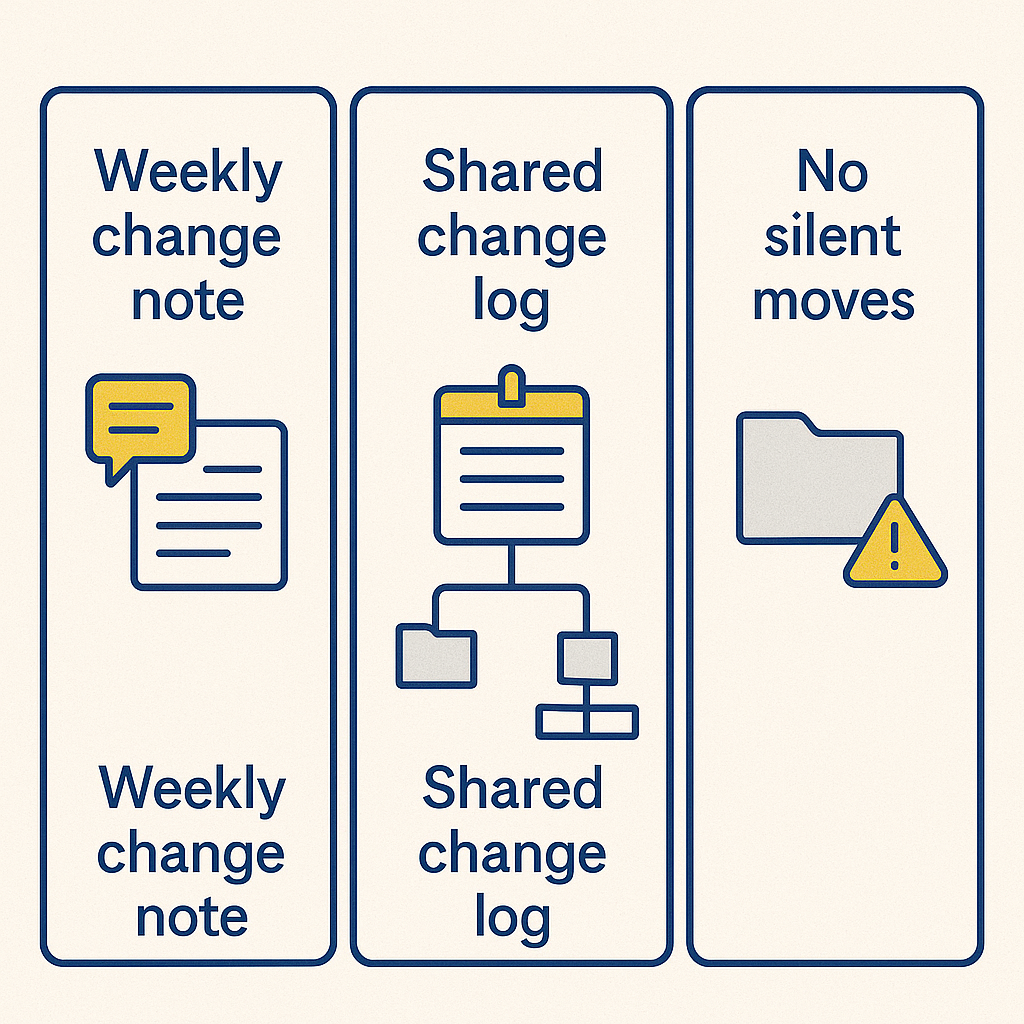
- Weekly Change Note: A short message listing renamed files, cleansed lists, and agreed actions.
- Shared Change Log: Keep it in the top folder so history is visible.
- No Silent Moves: Never move shared folders without notice and updated links.
- Exceptions Documented: If you must break a rule for a good reason, write it down and get approval first.
Career Next Steps
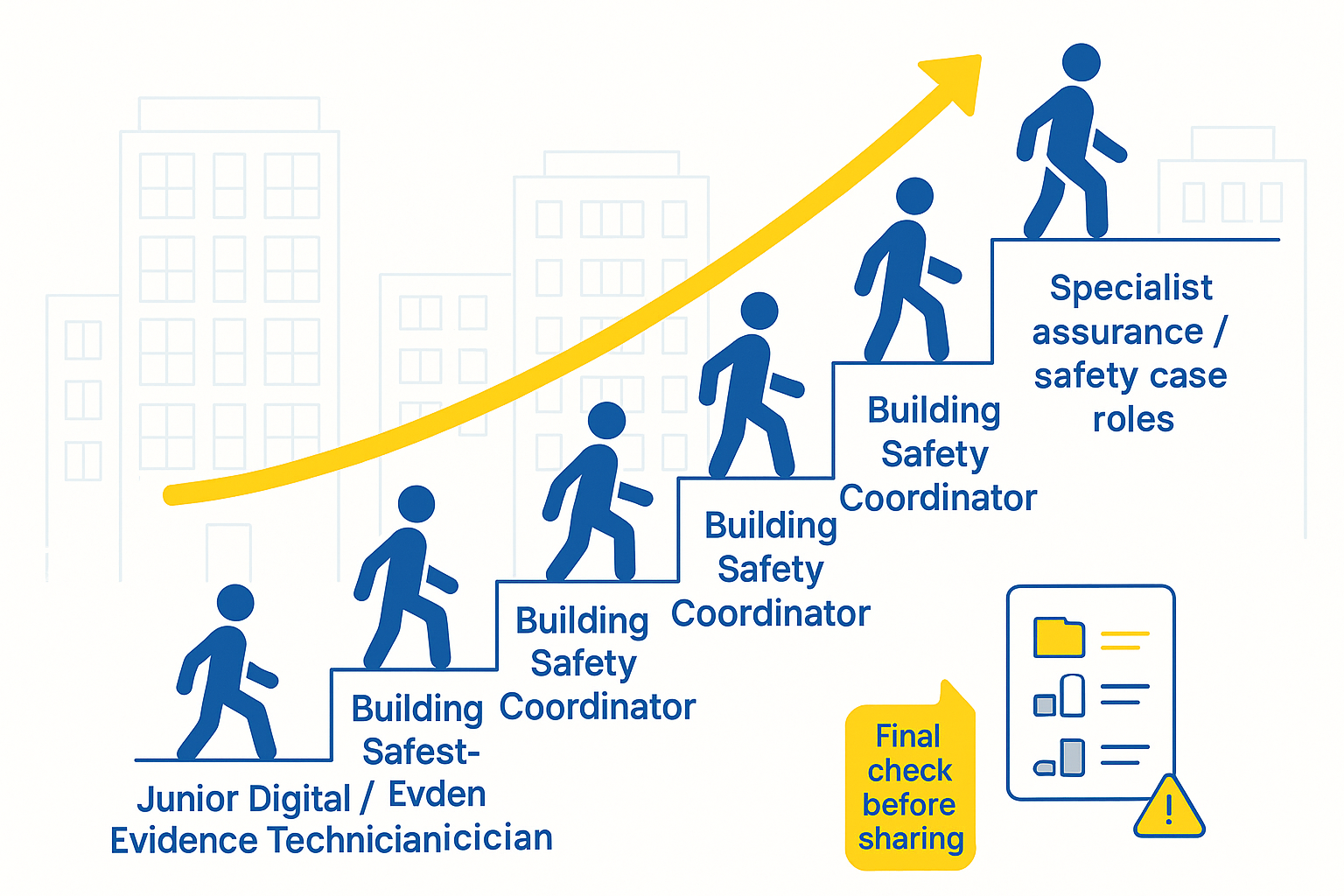
With three projects completed and a tidy portfolio, you can apply for Building Safety Assistant, Junior Data/Evidence Technician, or Compliance Coordinator roles. From there, progress to Building Safety Coordinator, Safety Case support, BIM coordination, or supervised site assurance work. Therefore, add one relevant short course per quarter to compound your skills.
Final Note
Digital competence wins trust. File correctly, name consistently, and tag every certificate. Moreover, this allows people to find the truth in seconds. Do that across a few buildings and you become indispensable. Exactly the kind of professional building safety and digital safety teams need.